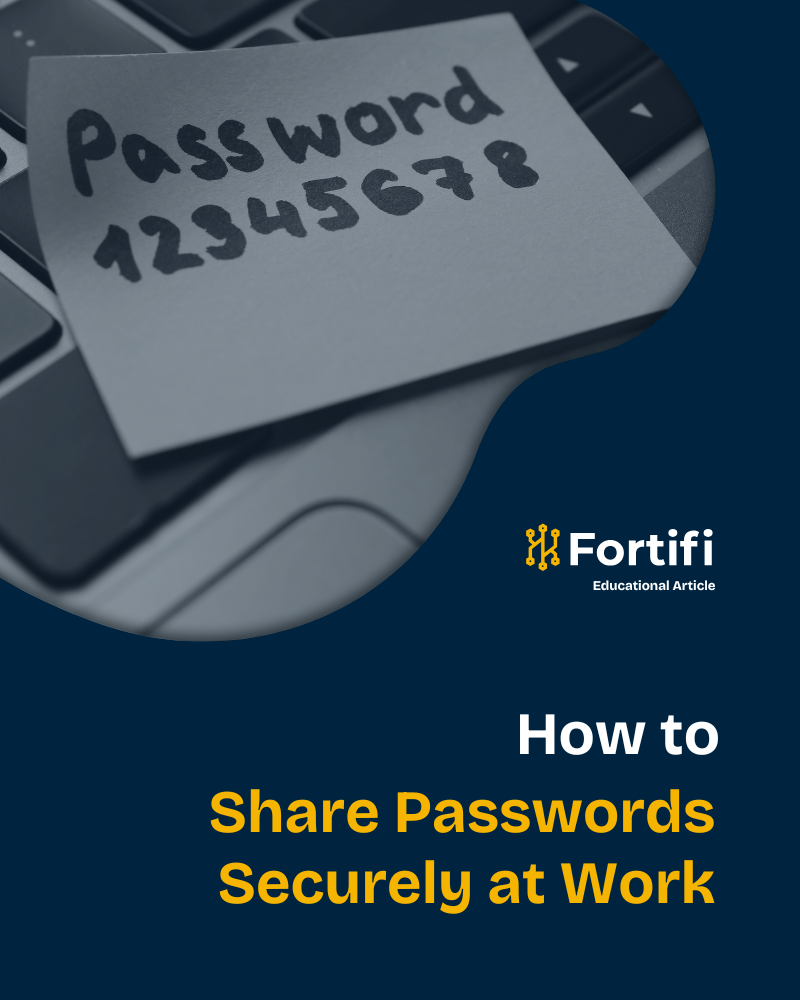
It happens all the time. Someone on the team needs access to a shared account, and the quickest route is a Slack message or a Teams DM. A username here, a password there. Job done, right?
Not quite.
Those messages sit in search histories, get backed up to cloud servers, and create a trail that any attacker with basic access can follow.
We know this because our own penetration testers have done exactly that.
On more than one occasion, we have gained access to a client’s internal messaging platform and found credentials sitting in plain text, shared casually between colleagues. From there, the path to full network compromise was short.
If your team shares passwords through chat, email, or sticky notes, you are not alone. But you are taking a much bigger risk than you might realise.
Before we continue, cybersecurity terminology can be tricky. To help you untangle the jargon, check out our A-to-Z cybersecurity glossary, which defines the language used throughout this article.
Why Password Sharing Is So Common (and So Dangerous)
Let’s start with the reality: password sharing at work is widespread. According to research by Beyond Identity, roughly 42% of employees admit to sharing workplace passwords with others. A separate study by Keeper Security found that 46% of companies share passwords for accounts used by multiple people, with over a third of employees sharing credentials with colleagues on the same team.
The reasons are understandable, to a degree. Teams need access to shared tools, social media accounts, admin dashboards, and vendor portals. When there is no system in place to manage that access securely, people default to what is fastest: copying and pasting a password into a chat window.
In fact, even in situations where there are password managers in place, people still choose the quick route, and your IT team would like never know. Why? Because they can’t see every private Slack or Teams channel.
From there, the problem is what happens next.
According to the Verizon 2025 Data Breach Investigations Report, stolen or compromised credentials were the initial access vector in 22% of all breaches, making them the single most common way attackers gain access.
And once they are in, breaches involving stolen credentials take an average of 292 days to identify and contain, according to IBM’s Cost of a Data Breach Report.
That is nearly ten months of an attacker moving through your systems undetected. Scary, right?
Related Reading: Social Engineering Attacks: Understanding the Psychology Behind It
How Attackers Exploit Shared Credentials
When our pentesters find credentials in messaging platforms, the impact is almost always significant. Here is why:
Passwords shared over Slack, Teams, or email are stored in those platforms’ databases. If an attacker compromises a single user’s account through phishing or credential stuffing, they can search the message history for keywords such as “password,” “login,” or “credentials.”
What they find is often enough to escalate access across the entire organisation.
It gets worse when you factor in password reuse. Bitwarden’s research on infostealer malware data found that, in the median case, only 49% of a user’s passwords across services were unique.
Ergo, a single exposed credential can unlock multiple accounts.
Check Point reported a staggering 160% increase in compromised credentials in 2025 compared to the previous year. The combination of AI-enhanced phishing, infostealer malware, and poor password hygiene is making credential theft easier and more profitable than ever.
Related Reading: The Myth of Safety: Why Hackers Aren’t Just Targeting Big Businesses
The Right Way to Share Passwords at Work
The good news is that secure password sharing does not have to be complicated or expensive. Here are the practical steps every business should be taking.
Use a password manager with secure sharing. Tools like Bitwarden, 1Password, or Keeper allow teams to share credentials through encrypted vaults. The person receiving access never needs to see the actual password, and you maintain a full audit trail of who has access to what. When someone leaves the team, you revoke their access in one click.
Enable multi-factor authentication (MFA) on everything. Even if a password is compromised, MFA adds a second barrier. Prioritise MFA on email, cloud platforms, admin panels, and any shared accounts. It is one of the simplest controls you can implement; however, it is worth noting that MFA is becoming increasingly easy for advanced hackers to bypass, so other strategies should be used alongside it.
Stop sharing credentials through messaging platforms. This is the single biggest change most businesses can make. If your team currently shares passwords over Slack, Teams, or email, that needs to stop today. These channels are not designed for secure credential storage, and they are among the first places our pentesters look. Now, if, in the absolute worst-case scenario, you have to use non-secure channels, we advise using one channel for the username and a different channel for the password (ideally, WhatsApp, thanks to its encryption settings). But, to make ourselves absolutely clear, this should still be avoided and IS NOT safe.
Implement role-based access control (RBAC). Rather than sharing one set of credentials across a whole team, set up individual accounts with appropriate permission levels. This way, if one account is compromised, the blast radius is limited.
Audit and rotate shared credentials regularly. Any password that has been shared should be changed on a regular schedule. If someone leaves the company, change every shared credential they had access to immediately.
Related Reading: 5 Reasons Why Cyber Security Training is Important
What This Looks Like in Practice
Imagine a marketing team of five people sharing the login to a company’s social media management tool. Without a password manager, someone sends the credentials in a group chat. That message stays there indefinitely. When a team member moves on, the password is rarely changed.
Now imagine an attacker gains access to one team member’s email through a phishing link. They search the inbox, find the shared credentials, and log into the social media tool. From there, they could post damaging content, extract customer data, or use the account to launch further attacks.
With a password manager, the credentials live in an encrypted vault. The departing employee’s access is revoked. No password appears in any message history. The attack surface shrinks dramatically.
Related Reading: How to Respond to a Data Breach: Step-by-Step Guide
Why This Matters for Your Security Posture
Password hygiene might seem like a small piece of the cybersecurity puzzle, but it is often the piece that unravels everything else. You can invest in firewalls, endpoint detection, and security awareness training, but if your credentials are sitting in a Slack channel, none of that matters when an attacker finds them.
This is exactly why penetration testing is so valuable. A good pentest does not just scan for software vulnerabilities. It tests how your people handle credentials, how your systems are configured, and whether an attacker could use something as simple as a shared password to compromise your entire network. Our CREST-accredited penetration testers regularly uncover credential exposure during engagements, and it remains one of the most common and impactful findings we report.
If you are not sure how your organisation handles credential sharing, or you want to find out what an attacker could discover if they got inside your messaging platforms, a penetration test is the best place to start.
Related Reading: Penetration Testing: A Comprehensive Guide
Get in Touch
At Fortifi, we help businesses uncover the gaps that attackers exploit, including the ones hiding in plain sight. If you want to understand your real-world risk and strengthen your security posture, get in touch to discuss a penetration test tailored to your organisation.